
Your AI-Powered Second Brain
for the Web
Save any webpage, attach files, organize into workspaces, and search by meaning. 100% private, works offline, with optional Google Drive backup.
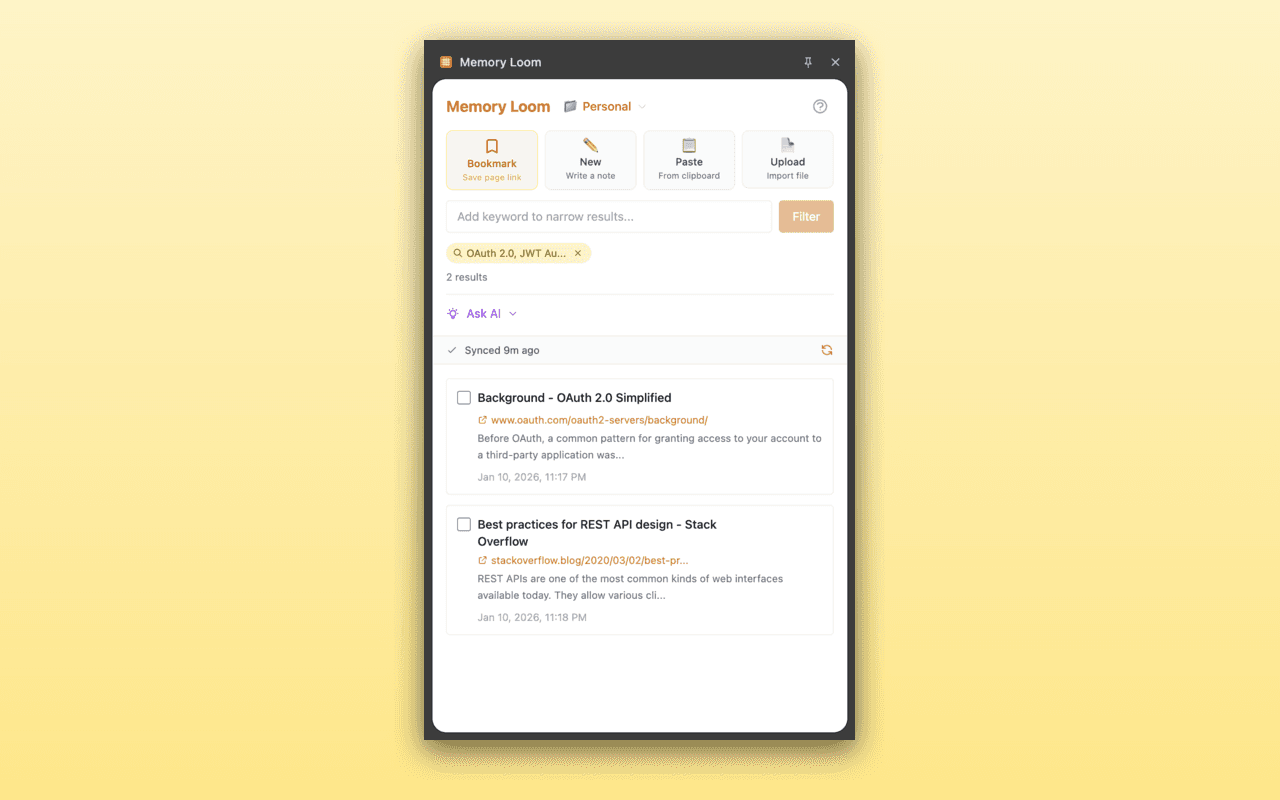
Click to view full size
Everything You Need
Memory Loom combines smart bookmarking with AI-powered semantic search, file attachments, and flexible organization to help you remember everything.
Smart Bookmarking
Save any webpage with one click. Captures content for offline reading with formatting preserved.
Semantic Search
Find content by meaning, not just keywords. Search "authentication methods" finds OAuth, JWT, and login articles.
Workspaces
Organize memories by context—Work, Personal, Research. Move memories between workspaces anytime.
File Attachments
Drag and drop images, PDFs, or any file onto memories. Preview attachments with the built-in viewer.
Smart Sorting
Sort memories by last activity, creation date, last viewed, or most frequently accessed.
100% Private
All AI processing happens locally in your browser. Your data never leaves your device.
Offline First
Works without internet. Your memories are always accessible, syncs when back online.
Optional Cloud Backup
Connect your Google Drive for backup and cross-device sync. Your data stays in your account only.
See It in Action
Click any screenshot to view it in full size
Clean Interface
Your memories organized in a beautiful, easy-to-navigate interface
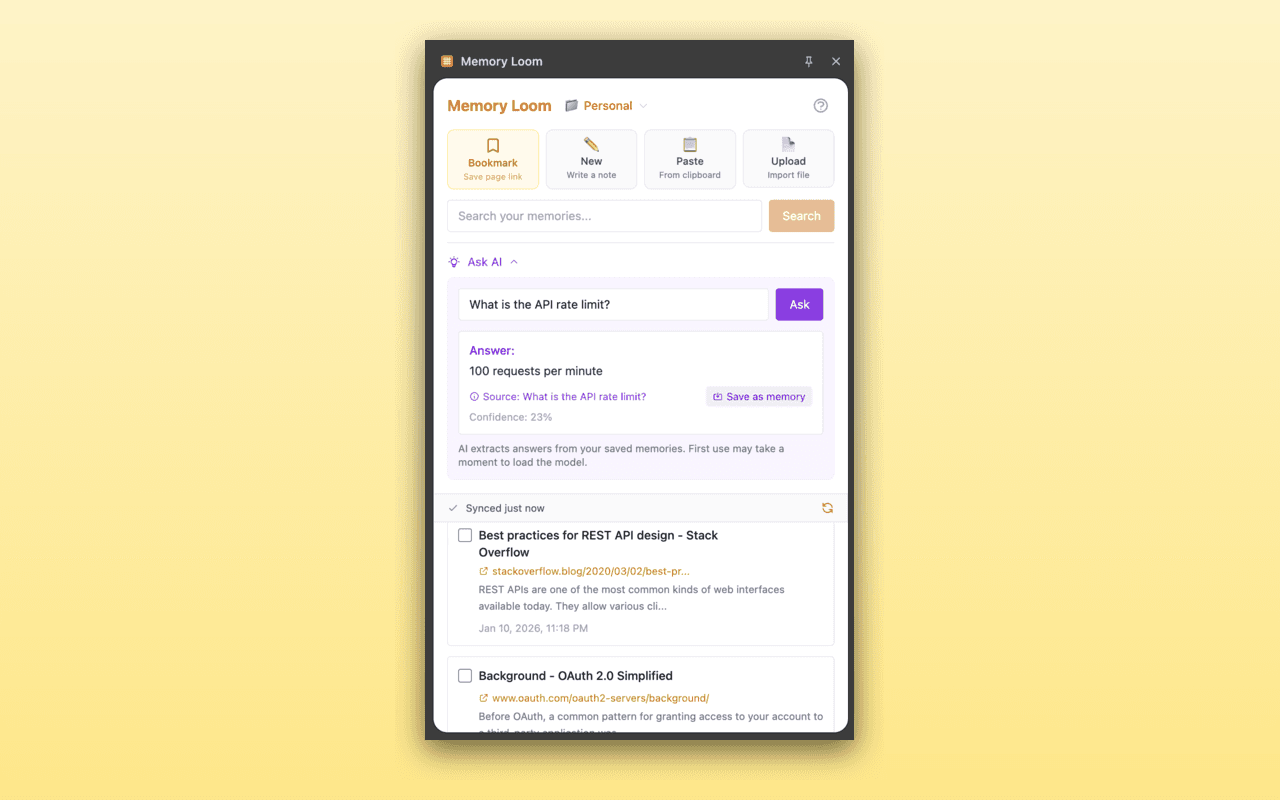
Semantic Search
Find memories by meaning, not just keywords
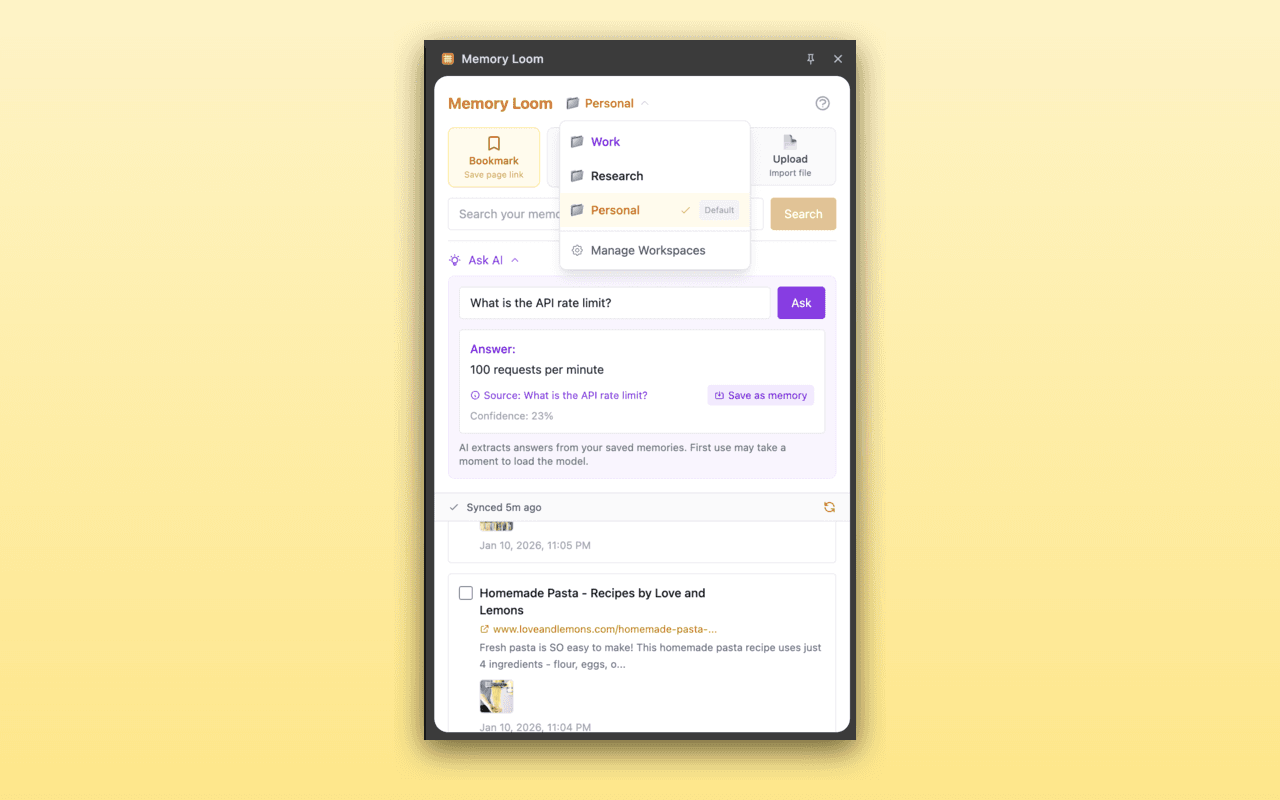
Workspaces
Organize memories into separate workspaces for different contexts
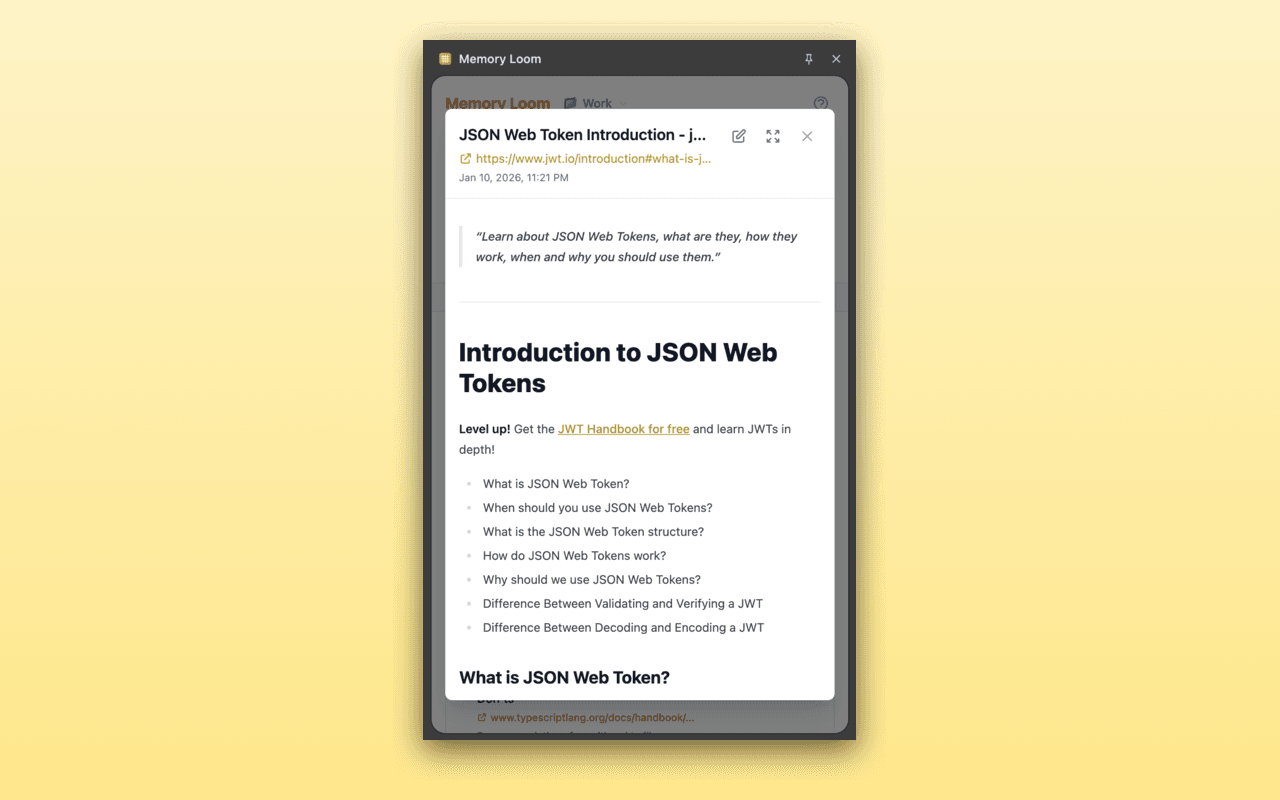
Article Reading
Save and read articles offline with preserved formatting
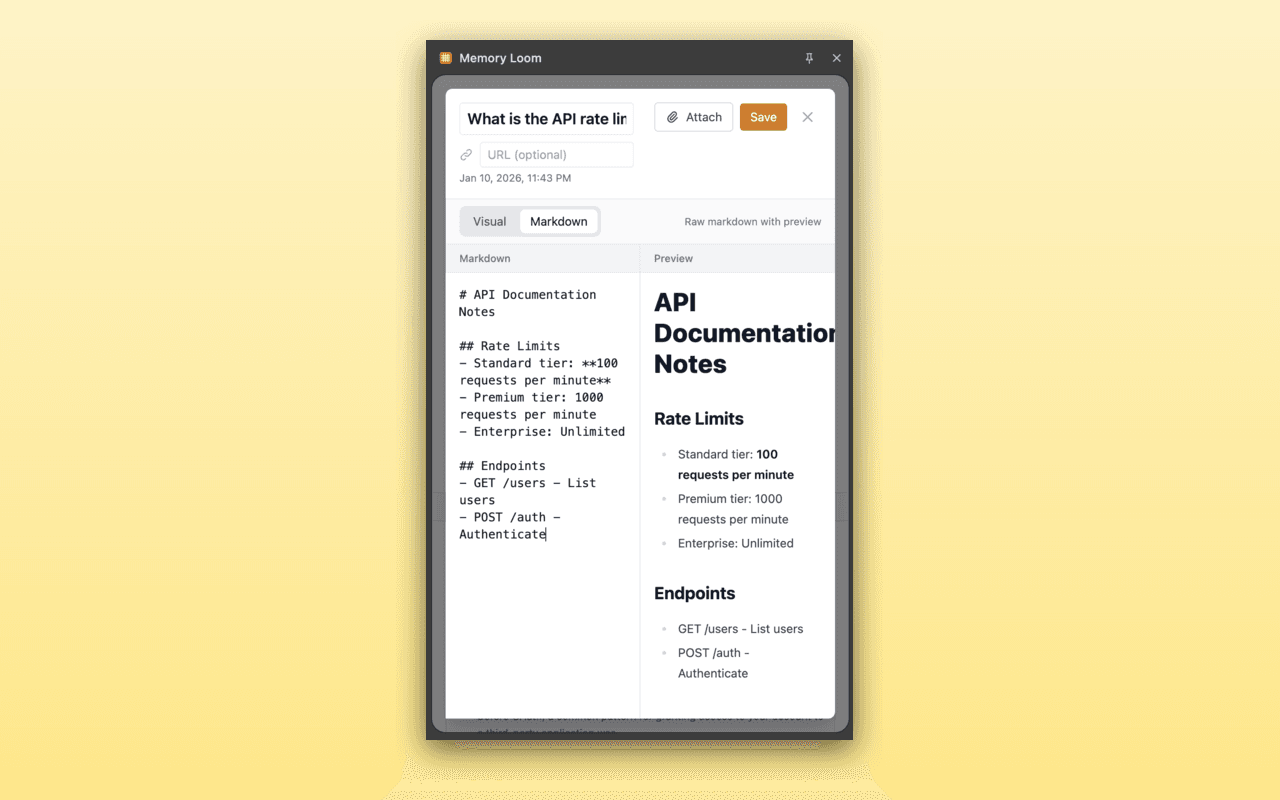
Quick Notes
Create notes with rich text formatting and organize your thoughts
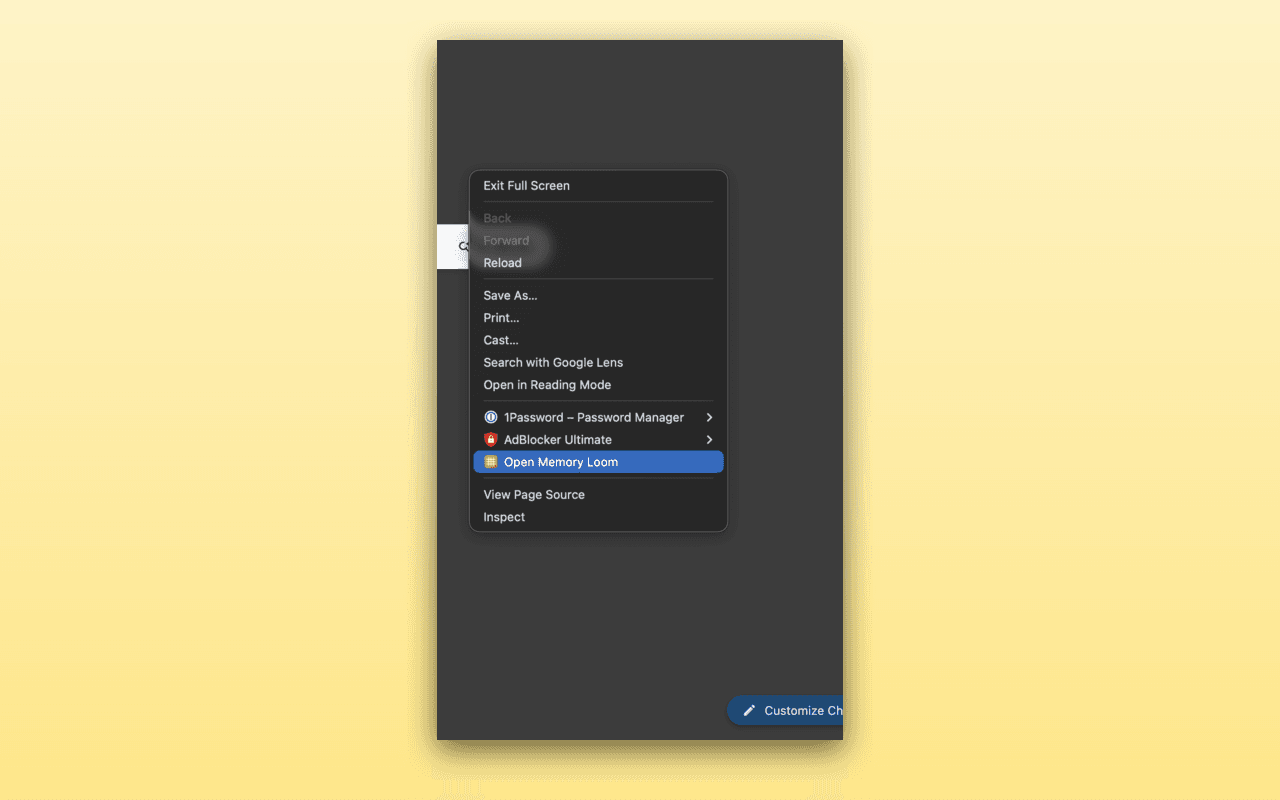
Easy Access
Quick access to all Memory Loom features from the toolbar
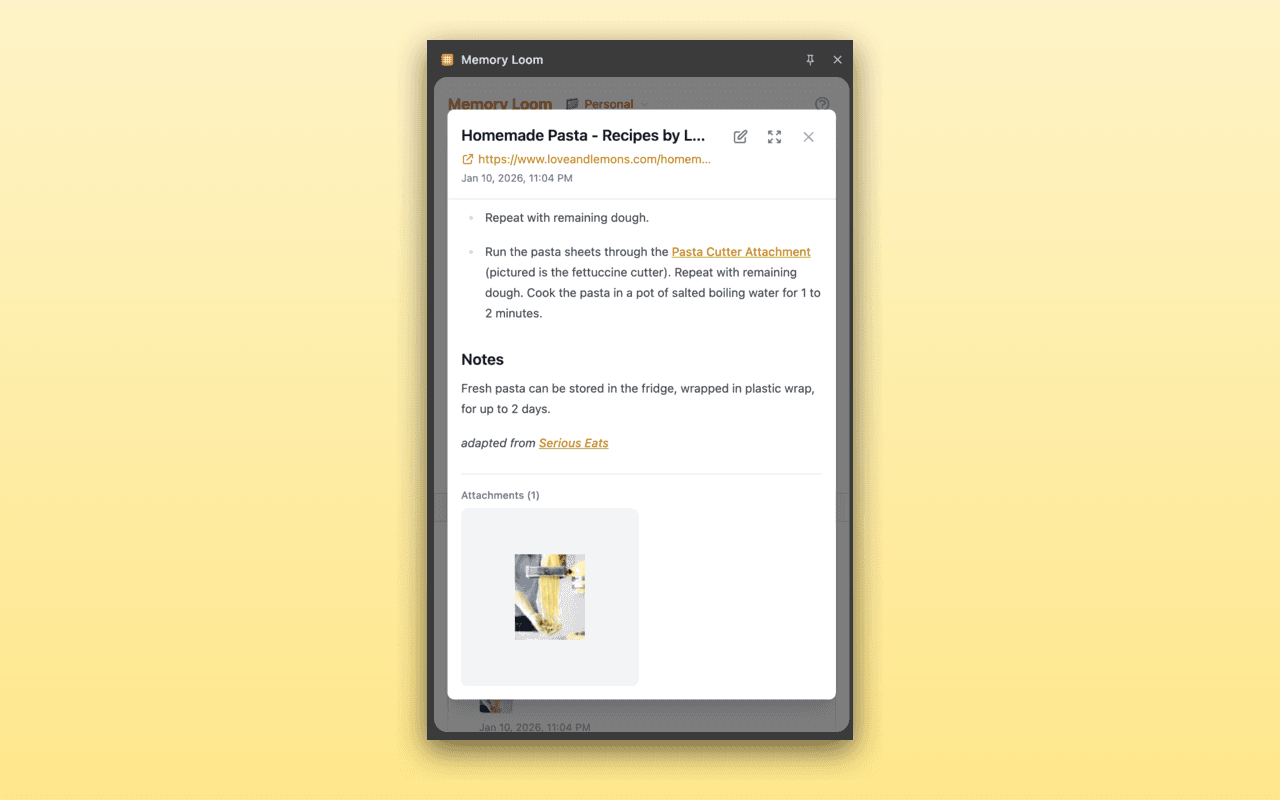
Image Attachments
Attach images to your memories for visual reference
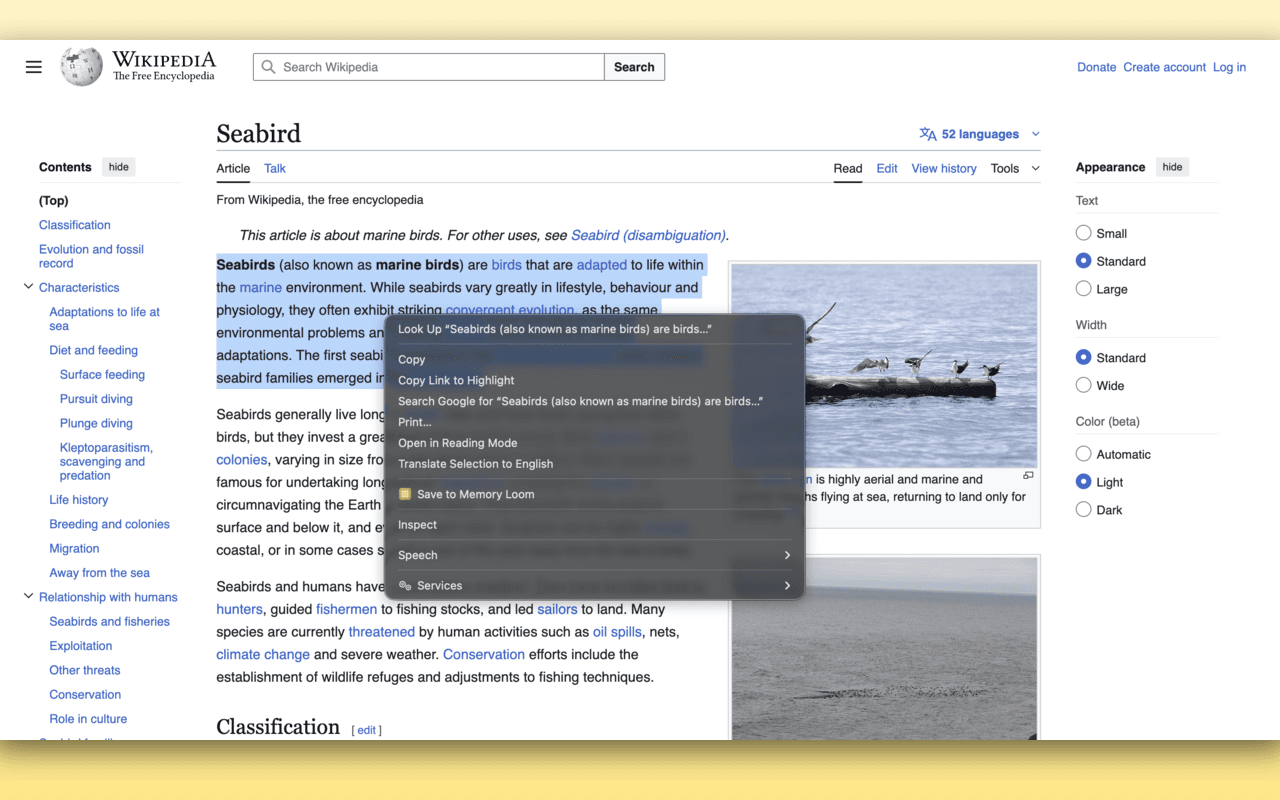
Context Menu
Save selected text or pages instantly with right-click
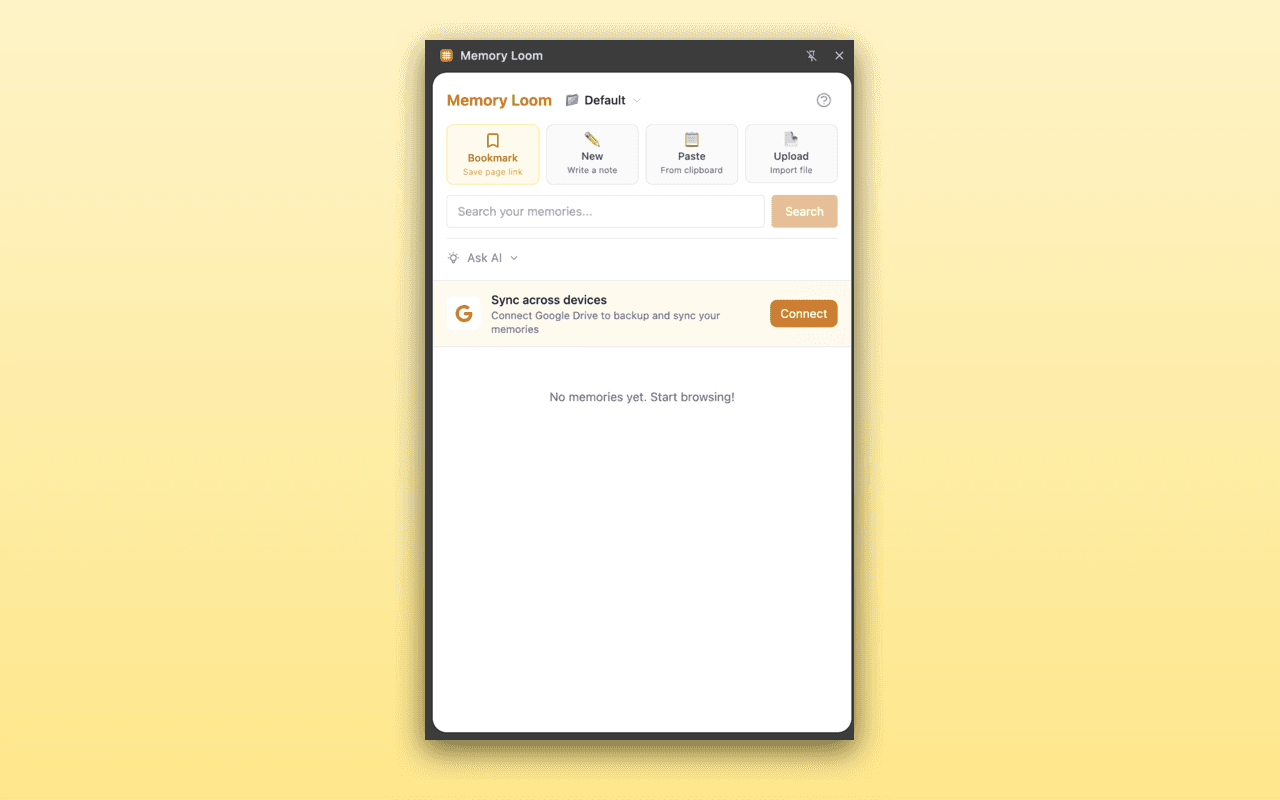
Google Drive Sync
Backup and sync your memories across devices with Google Drive
Your Privacy Comes First
Unlike cloud-based alternatives, Memory Loom runs entirely in your browser. Your bookmarks, notes, and searches never leave your device. The AI model runs locally—no API calls, no data collection.
Read our Privacy Policy →Start Remembering What You Read
Join thousands of users who never lose track of important web content.
Add to Chrome — Free